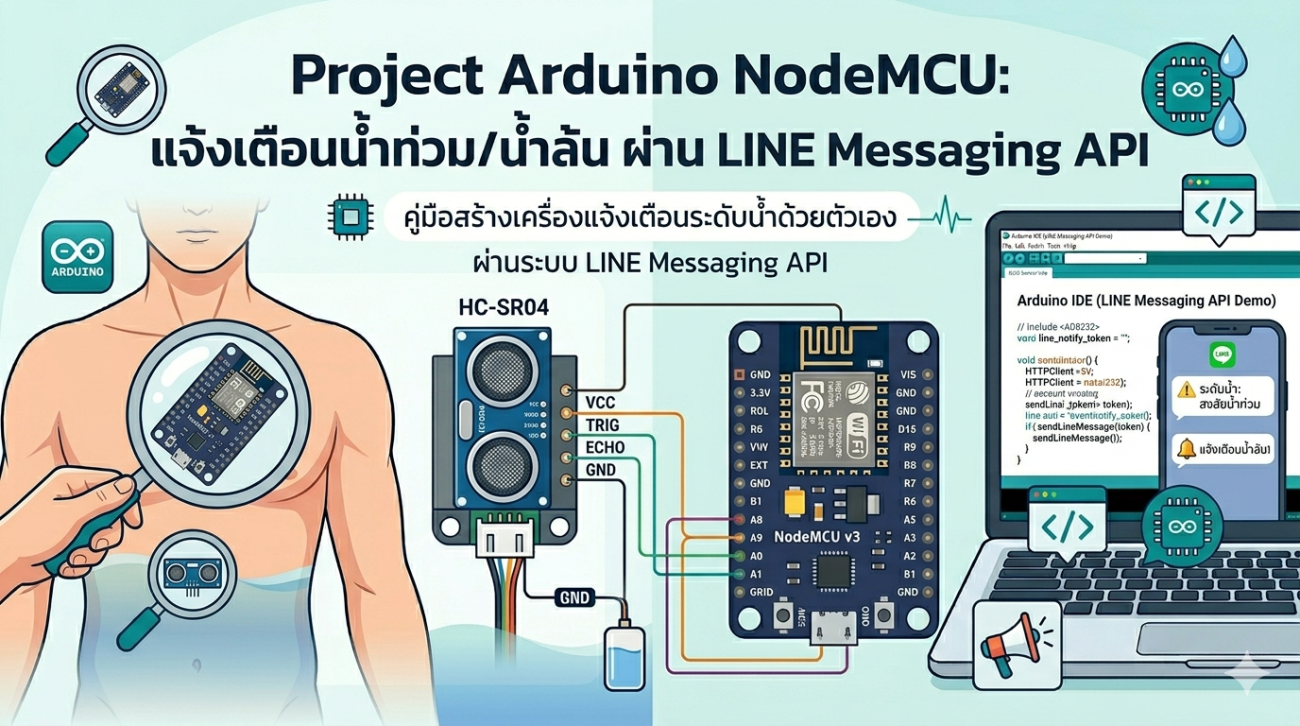
Mini Project Arduino NodeMCU แจ้งเตือนน้ำท่วม/น้ำล้น ผ่าน LINE Messaging API
โปรเจคนี้เป็นอีกหนึ่งไอเดียที่น่าสนใจสำหรับสาย IoT และ Arduino
โดยเราจะทำระบบ แจ้งเตือนน้ำท่วม/น้ำล้น
ผ่าน LINE Messaging API แบบเรียลไทม์
เหมาะสำหรับนักเรียน นักศึกษา หรือผู้เริ่มต้นที่อยากฝึกใช้งาน
NodeMCU และระบบแจ้งเตือนผ่านอินเทอร์เน็ต
แนวคิดของโปรเจค
เนื่องจากปัจจุบัน LINE Notify ได้ยกเลิกการให้บริการแล้ว
ทำให้ต้องเปลี่ยนมาใช้ LINE Messaging API แทน
โปรเจคนี้จะใช้ Sensor วัดระดับน้ำ
เมื่อระดับน้ำสูงเกินค่าที่กำหนด จะส่งข้อความแจ้งเตือนไปยัง LINE
อุปกรณ์ที่ใช้
- NodeMCU ESP8266 V2 https://shopee.co.th/product/243007968/5826175179
- Water Level Sensor https://shopee.co.th/product/243007968/5925581990
- สาย Jumper (Female to Female) https://shopee.co.th/product/243007968/7325582738

การเตรียมระบบ LINE Messaging API
ก่อนใช้งานต้องสร้าง LINE Developer และตั้งค่า Webhook
สามารถศึกษาได้จากลิงก์ด้านล่าง
👉 https://www.artronshop.co.th/article/166/esp32-line-messaging
จากนั้นจะได้ค่า:
- Access Token
- User ID
หลักการทำงาน
- Sensor วัดระดับน้ำ (Analog)
- NodeMCU อ่านค่า ADC
- เปรียบเทียบกับค่าที่ตั้งไว้
- หากน้ำสูงเกิน → ส่ง LINE แจ้งเตือน
โค้ดโปรแกรม NodeMCU
#include <ESP8266WiFi.h>
#include <WiFiClientSecure.h>

const char* ssid = "ABLab";
const char* password = "tv357911itv";

String access_token = "Token";
String userId = "User";

int waterlevel = 300;

void setup() {
  Serial.begin(9600);
  delay(10);

  WiFi.begin(ssid, password);
  Serial.print("Connecting to WiFi");

  while (WiFi.status() != WL_CONNECTED) {
    delay(500);
    Serial.print(".");
  }

  Serial.println("\nWiFi connected");

  sendLineMessage("เชื่อมต่อสำเร็จ");
}

void loop() {

  int val = analogRead(A0);

  Serial.print("Water Level : ");
  Serial.println(val);

  delay(2000);

  if (val >= waterlevel) {
    Serial.println("Send Line");

    sendLineMessage("แจ้งเตือน! ระดับน้ำสูงผิดปกติ");

    while (val >= 200) delay(10);
  }
}

void sendLineMessage(String msg) {

  WiFiClientSecure client;
  client.setInsecure();

  if (!client.connect("api.line.me", 443)) {
    Serial.println("Connection failed");
    return;
  }

  String url = "/v2/bot/message/push";

  String body = "{\"to\":\"" + userId + "\",\"messages\":[{\"type\":\"text\",\"text\":\"" + msg + "\"}]}";

  String request = String("POST ") + url + " HTTP/1.1\r\n" +
                   "Host: api.line.me\r\n" +
                   "Authorization: Bearer " + access_token + "\r\n" +
                   "Content-Type: application/json\r\n" +
                   "Content-Length: " + body.length() + "\r\n\r\n" +
                   body;

  client.print(request);

  while (client.connected()) {
    String line = client.readStringUntil('\n');
    if (line == "\r") break;
  }

  String response = client.readString();

  Serial.println("Response:");
  Serial.println(response);
}
การตั้งค่าระดับน้ำ
สามารถปรับค่าได้จากตัวแปรด้านล่าง:
int waterlevel = 300;
แนะนำให้ทดลองอ่านค่าจริงก่อน แล้วตั้งค่าให้เหมาะกับหน้างาน
ประโยชน์ของโปรเจค
- แจ้งเตือนน้ำท่วมล่วงหน้า
- ใช้งานได้กับบ้าน โรงงาน หรือฟาร์ม
- ต้นทุนต่ำ
- ต่อยอดเป็นระบบ Smart Home ได้
ไอเดียต่อยอด
- ควบคุมปั๊มน้ำอัตโนมัติ
- บันทึกข้อมูลลง Cloud
- แสดงผลผ่าน Web Dashboard
- เพิ่ม Sensor หลายจุด
สรุป
โปรเจคนี้ช่วยให้เราสามารถสร้างระบบแจ้งเตือนน้ำล้นได้ง่ายๆ
โดยใช้ NodeMCU และ LINE Messaging API
เหมาะสำหรับผู้เริ่มต้นที่อยากเรียนรู้ IoT และระบบแจ้งเตือน
รู้ก่อนน้ำมา = ป้องกันความเสียหายได้ทันเวลา
